 Check Accessibility, HTML, CSS, Broken Links & Spelling
Pro version
Total Validator Pro can perform five types of validation across one or more websites with one click:
- W3C conforming accessibility testing against the WCAG 2.2, 2.1, 2.0, US Section 508, and ARIA standards
- HTML and XHTML validation against the W3C and WHATWG standards
- Validate CSS to the W3C Standards
- Search for broken links and mixed content
- Language-detecting spell check (Test with any language)
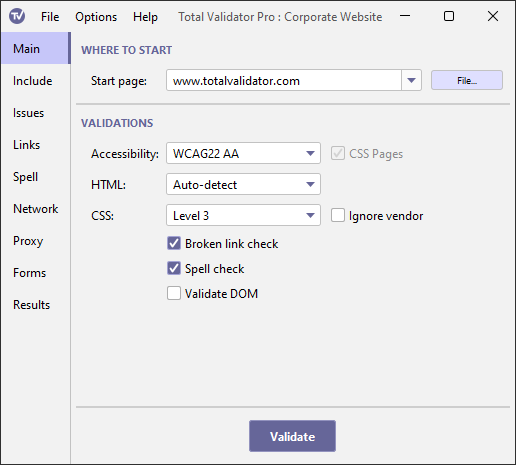
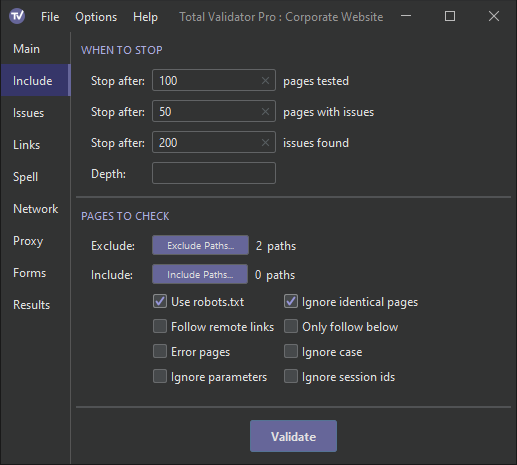
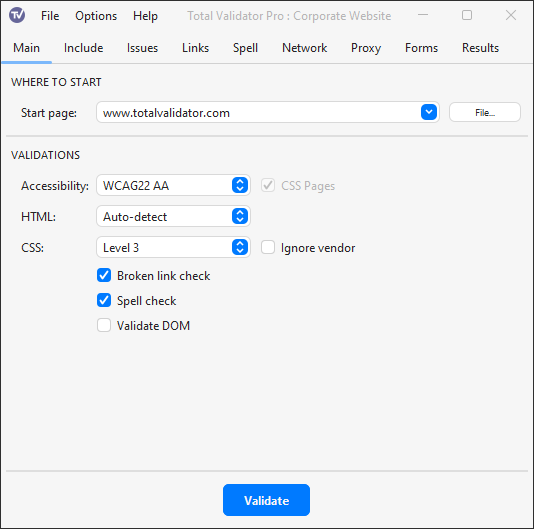
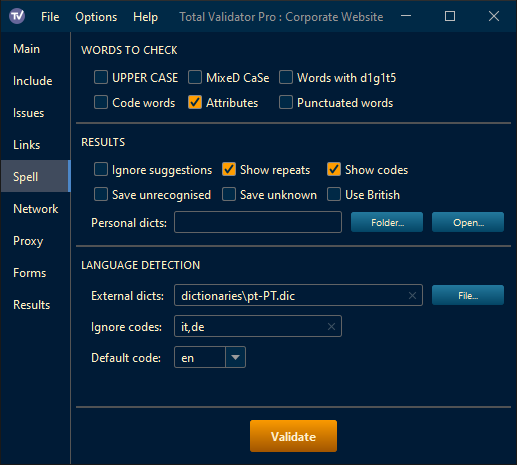
Over 40 themes for the User Interface are available, using FlatLaf. Here are some examples:
Main Options in Light theme
Include Options in Dark theme
Main Options in macOS theme
Spell Check Options in Cobalt theme
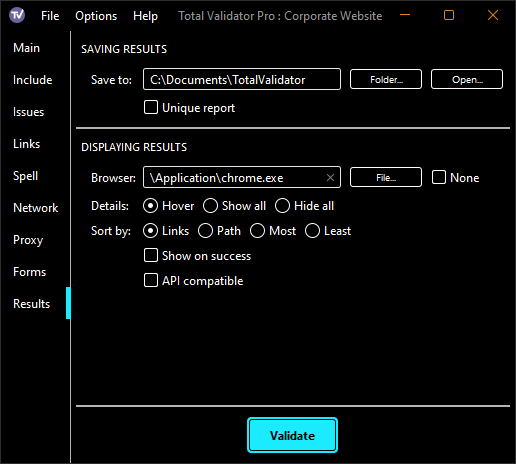
Results Options in High Contrast theme
Highlights
- Validate pages that require authentication to access
- Test the DOM for JavaScript based sites using our browser extensions
- Check pages on intranets or other private websites
- Check pages before you publish them
- Check pages behind authenticating proxy servers
- Select exactly what checks to perform, by site, by page, and by item
- Spell check in multiple languages in one run
- Control over what is reported and how it is reported
- Fast response with local results for security
- Available on Windows, macOS and Linux
- Limited command line operation*
Our sample report provides an example of the results from the Pro version, and an online copy of the documentation is also available.
*Note that the command line option is for the use of one person only as the licence prevents embedding within an automated system, or as part of your own service or software. If you are interested in integrating Total Validator into an automated testing system then check out our CI version.